Identify each unit before logging work
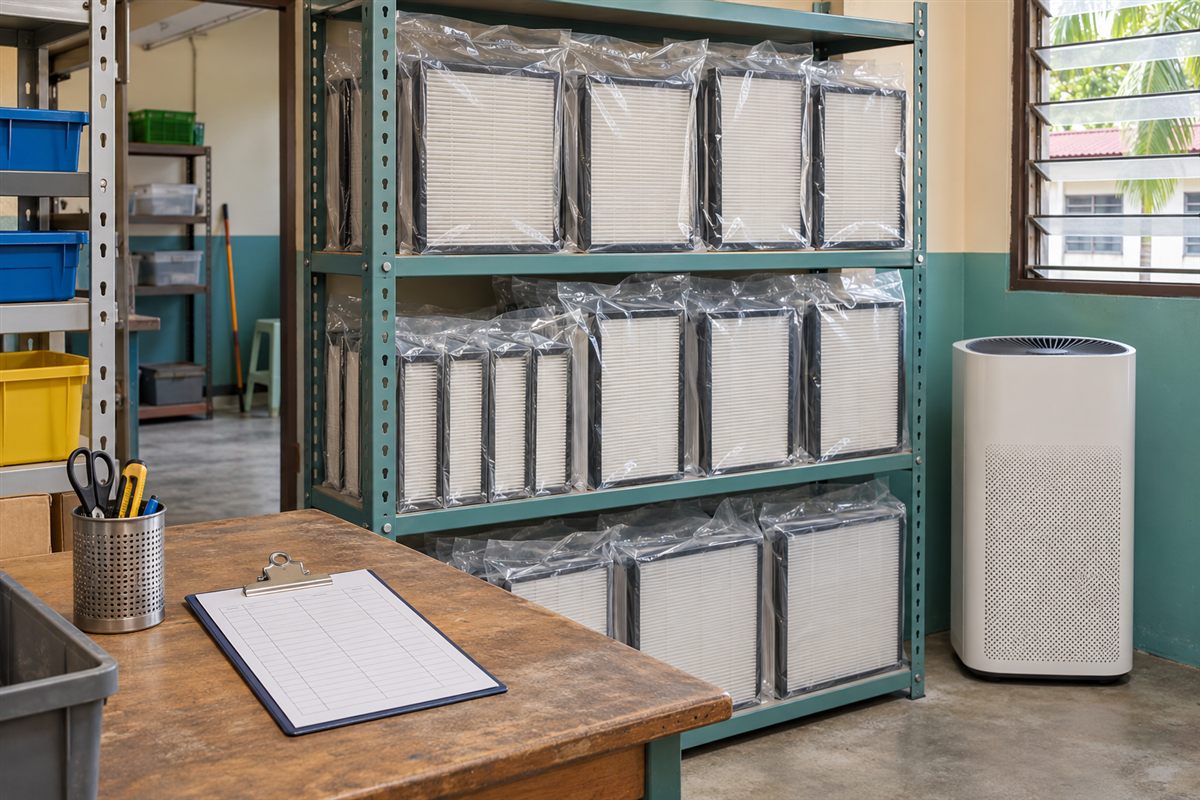
Assign an equipment ID and record its current room. Keep the required filter reference and instructions with the asset record.
If a unit moves, update the location instead of creating an unlinked second record. Avoid including patient information in an equipment maintenance log.
Record findings and actions separately
An indicator, visible blockage or unusual noise is a finding. Cleaning, replacement or referral to a technician is an action.
Note the procedure followed, who performed the work and whether normal operation was verified. Follow the equipment instructions and the clinic’s approved filter-handling process rather than creating a universal disposal or cleaning rule.
Review open items
The owner should check overdue tasks and unresolved faults using the clinic’s chosen review cadence. A blank due-date field is not a maintenance plan: record the instruction-based interval or trigger and the next review.
Keep out-of-service units clearly identified until the appropriate check is complete.
Put it into practice
Your maintenance record
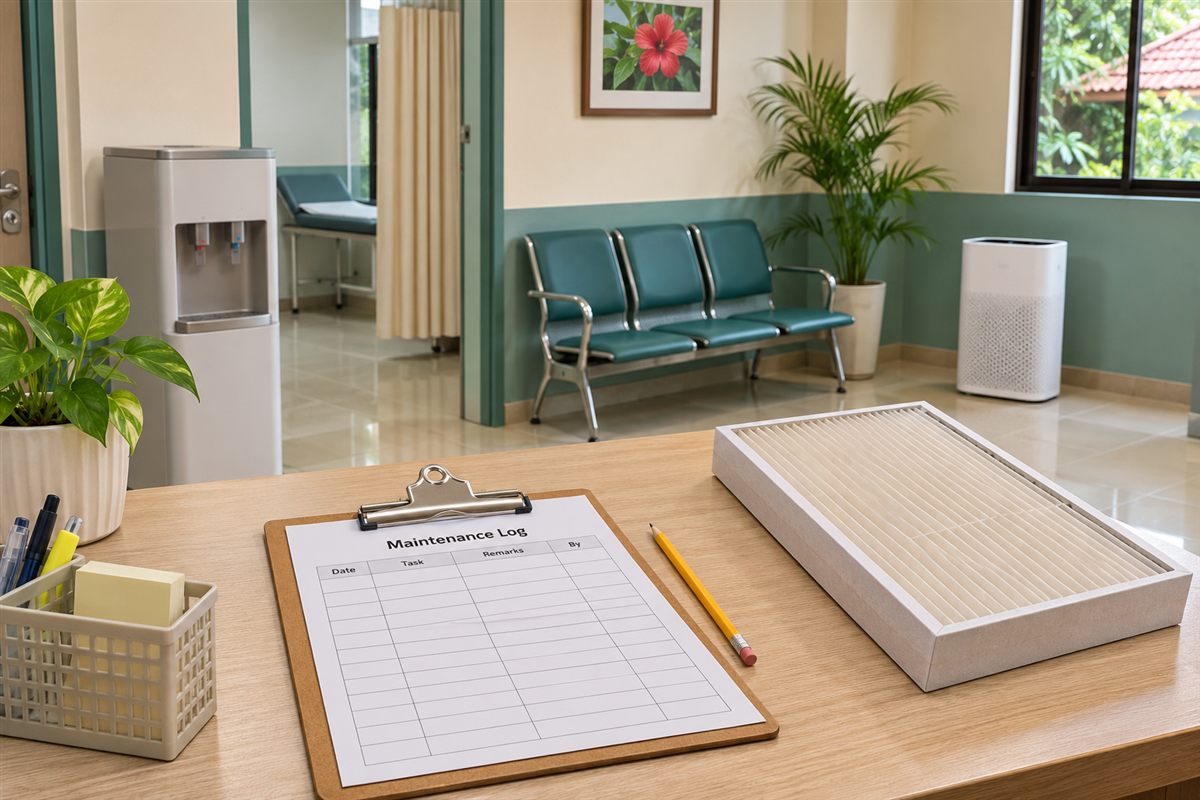
A printable log table with equipment ID, location, checks and actions. On small screens, scroll the table horizontally.
| Equipment / location | Date and check | Action / person | Next review / status |
|---|---|---|---|
| ID: ______ / Room: ______ | Date: ______ Finding: ______ | Work: ______ By: ______ | Due/trigger: ______ Open/closed: ______ |
| ID: ______ / Room: ______ | Date: ______ Finding: ______ | Work: ______ By: ______ | Due/trigger: ______ Open/closed: ______ |
| ID: ______ / Room: ______ | Date: ______ Finding: ______ | Work: ______ By: ______ | Due/trigger: ______ Open/closed: ______ |
Sources & context
- US EPA — Guide to Air Cleaners in the Home, second edition
Supports the distinctions between particle CADR, gas filtration, operating speed and clear airflow. Residential technical principles are used here for operational planning, not as workplace or clinical compliance criteria.
Sources checked 9 November 2026. Worksheets are editorial planning tools. Confirm site-specific requirements, current local guidance and the instructions for the equipment you use.